
Mirror Photo Booths
Mirror photo booths offer an interactive, full-length mirror experience that combines sleek design with fun, touch-screen animations. Guests can pose, personalize their photos, and instantly print or share them, adding style and entertainment to any event.
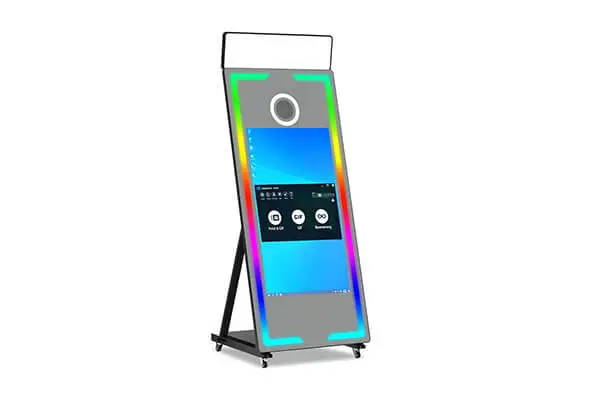
Mirror Photo Booths
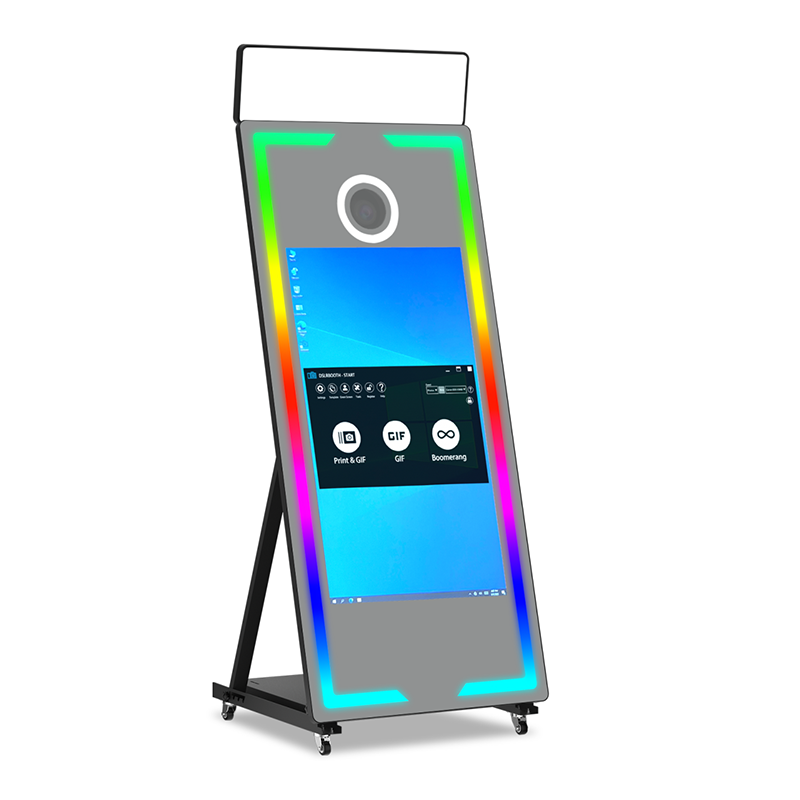
65" Large Mirror Photo Booth
Mirror Photo Booth
Popular Magic Mirror Photo Booth This Year
Starting at$2, 999
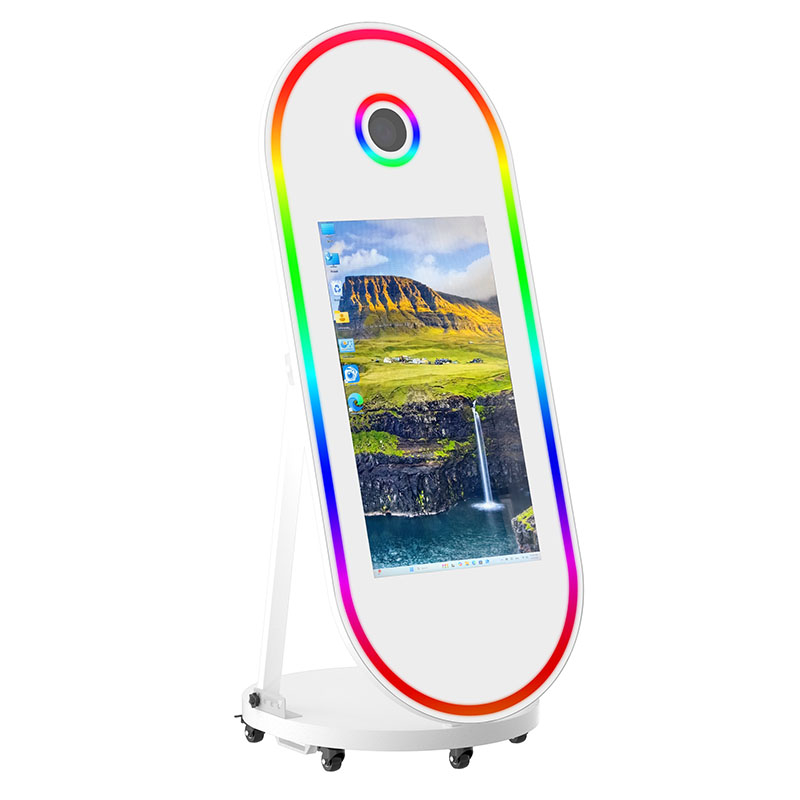
65" Oval Pill Photo Booth
Mirror Photo Booth
Custom Shape Interactive Mirror Photo Booth
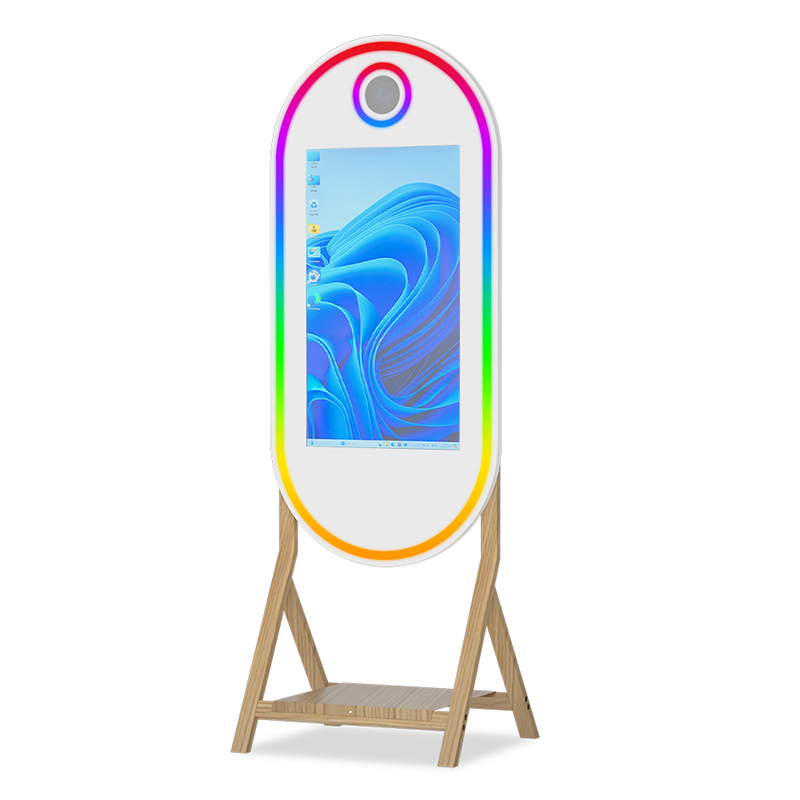
Starting at$2, 99943" Photo Booth with Wooden Shelf
Mirror Photo Booth
vintage wooden shelf
Starting at$2 999
A mirror photo booth combines a reflective mirror, touchscreen display, camera, lighting, and photo booth software. Guests touch the mirror to begin, follow the on-screen prompts, pose for their photos, and preview the results. Depending on the selected equipment and software, photos can then be printed or shared digitally.
These names generally describe the same type of interactive photo booth: a reflective display with a camera, screen, and touch controls built into or behind the mirror. Manufacturers may use the terms for different designs, so compare the glass, display, camera, lighting, software, and physical dimensions instead of relying only on the product name.
Yes. When the display is dark or showing limited content, guests can see their reflection and adjust their pose. During a session, animations, buttons, countdowns, and previews become visible through the reflective surface. The balance between reflection and screen visibility depends on the mirror glass, display brightness, and surrounding light.
Most mirror photo booths use two-way or partially reflective glass. It reflects enough light for guests to see themselves while allowing the display behind it to remain visible. Glass thickness, optical clarity, tint, reflectivity, and safety treatment vary, so buyers should review the exact glass specification for each booth.
Mirror booths typically use a touch sensor positioned behind or around the reflective glass. Depending on the design, this may be a projected-capacitive touch layer or an infrared touch frame. The sensor detects where the guest touches and sends that input to the photo booth software, which controls the on-screen experience.
Touch calibration aligns the physical point touched by a guest with the correct button or control displayed on the screen. Without accurate calibration, the booth may register input beside the intended target. Recalibrate after changing screen orientation, display resolution, touch hardware, computer settings, or any component that affects the interactive area.
The camera is positioned behind a transparent or specially prepared area of the mirror. During capture, controlled lighting illuminates the guests while the camera photographs through the glass. Correct camera placement, clean glass, suitable exposure settings, and careful control of reflections are necessary for sharp images with good contrast.
Yes, when the selected software supports on-screen editing. Guests may be able to add signatures, drawings, emojis, stamps, or short messages before completing the session. The software can place these elements over the finished image. Test the drawing area and touch accuracy before offering this feature to guests.
Keep the booth away from direct sunlight, bright windows, and strong lights aimed at the glass. Adjust the display brightness and use high-contrast buttons, text, and animations. Darker interface backgrounds can improve visibility through reflective glass. Test the complete screen workflow under the lighting conditions expected at the venue.
Both configurations exist. Some mirror photo booths use a Windows computer to control a DSLR camera, touchscreen, lighting, and printer. Slimmer models may use an iPad as the screen, camera, and computer. The hardware choice determines which software, cameras, touch controls, and accessories the booth can support.
Turn off the booth and use a clean microfiber cloth to remove fingerprints and dust. Use only a cleaning product approved for the glass and any applied coatings. Avoid abrasive materials, excessive pressure, and spraying liquid directly onto the mirror, where it could run into the display, touch sensor, camera opening, or electronics.