
DSLR Photo Booths
DSLR photo booths deliver professional-quality images using high-resolution DSLR cameras and studio lighting. Perfect for weddings, parties, and corporate events, they ensure every shot is sharp, vibrant, and ready to print or share instantly.
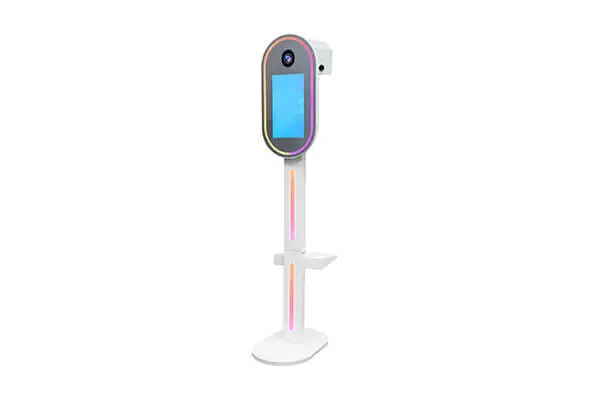
DSLR Photo Booths
15.6" Oval DSLR Photo Booth
DSLR Photo Booth
Starting at$1, 999
21" Selfie DSLR Photo Booth
DSLR Photo Booth
Starting at$1, 99915.6" Tripod Photo Booth with Wooden Case
DSLR Photo Booth
Starting at$1, 999
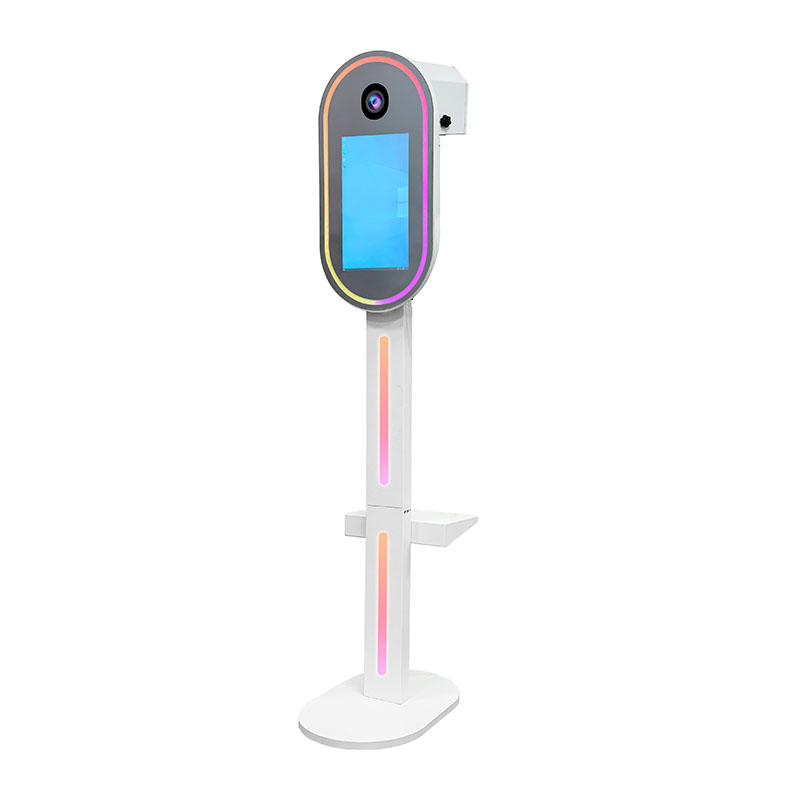
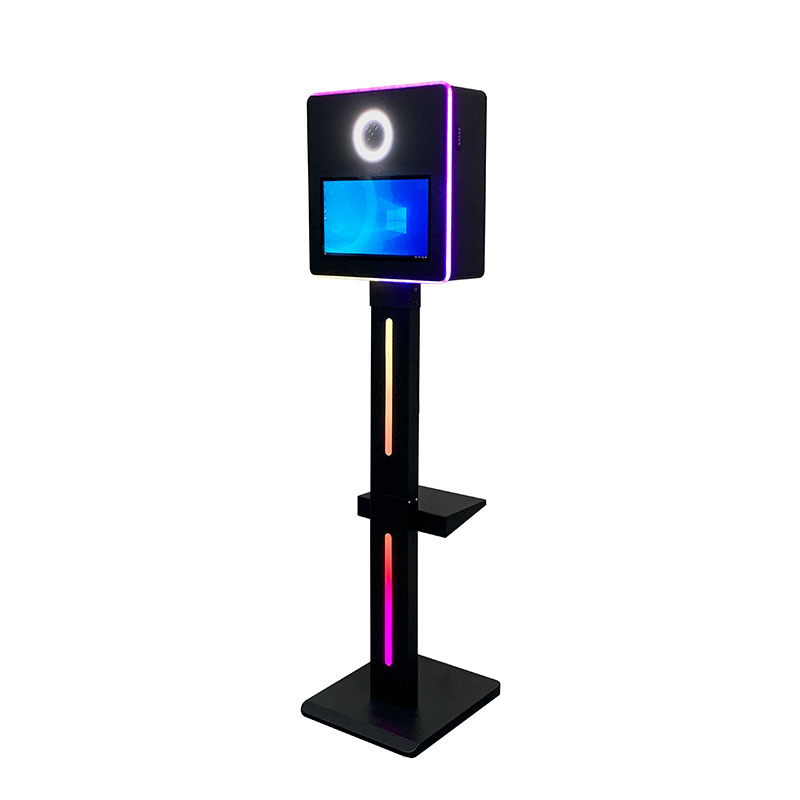
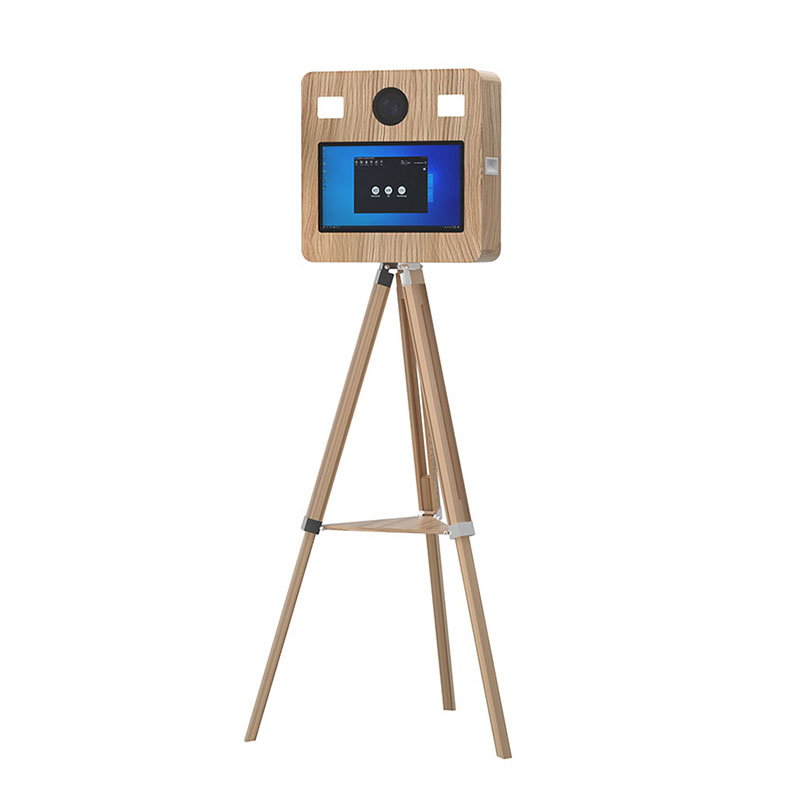
A DSLR photo booth provides more control over the camera, lens, exposure, focus, and lighting. This makes it better suited to operators who prioritize portrait quality and consistent results in changing venue conditions. An iPad booth is generally lighter and simpler, but its built-in camera offers fewer photographic controls.
A DSLR photo booth can produce cleaner images in dim venues when paired with properly configured flash lighting. Its larger camera sensor and adjustable exposure settings provide more control than a tablet camera. However, the camera alone cannot fix poor lighting; flash position, diffusion, white balance, and subject distance still determine the final result.
Compatibility depends on the booth model, camera dimensions, operating system, and selected software. MemBooth’s D2 supports DSLR cameras or webcams, and MemBooth lists the Canon 2000D among its accessories. Confirm your exact camera model and software combination with MemBooth before ordering.
Choose a lens according to the camera sensor, booth-to-subject distance, and expected group size. A wider lens can accommodate groups in a smaller area, while a longer portrait lens may produce more flattering facial proportions but requires additional distance. Avoid an excessively wide view because it can distort faces near the edges.
A flash or studio strobe is usually the better choice for freezing movement and producing consistent exposures. Continuous LED lighting helps guests see themselves and allows the camera to focus before each photograph. Many DSLR photo booth setups combine continuous lighting for visibility with a synchronized flash for the final image.
Tethering means connecting the camera directly to the booth’s computer, normally through a USB cable. The photo booth software can then trigger the camera, display a live preview, transfer each image, and prepare the finished output. Camera, cable, software, and operating-system compatibility should be tested together before an event.
Yes, but continuous operation is more reliable with a compatible AC power adapter or dummy-battery system than with a standard camera battery alone. Confirm that the power accessory is designed for your exact camera model. Secure the power and USB cables so guest movement cannot disconnect the camera during a session.
Use manual exposure settings and controlled lighting so the camera does not change brightness or color between groups. Fix the camera position, mark where guests should stand, set the white balance for the booth lighting, and test focus at the expected distance. Run sample sessions with both small and large groups before opening the booth.
Connection problems can result from an unsupported camera, damaged USB cable, loose connector, power interruption, firmware mismatch, or conflicting software. Use a cable intended for tethered photography, secure it at both ends, and carry a tested spare. Verify the complete camera-and-software workflow after every equipment or software update.
Some configurations support an upgrade path. For example, MemBooth describes the D2 as compatible with DSLR photo booth software and suitable for upgrading from iPad operation to a dedicated camera setup. Confirm the camera mount, computer, cable ports, software license, lighting, and internal clearance required for the planned upgrade.