
360 Photo Booths
360 photo booths create immersive, slow-motion videos by capturing guests from every angle. Fun, interactive, and highly shareable, they deliver a unique experience that turns any event into a social media sensation.
Mirror Photo Booths
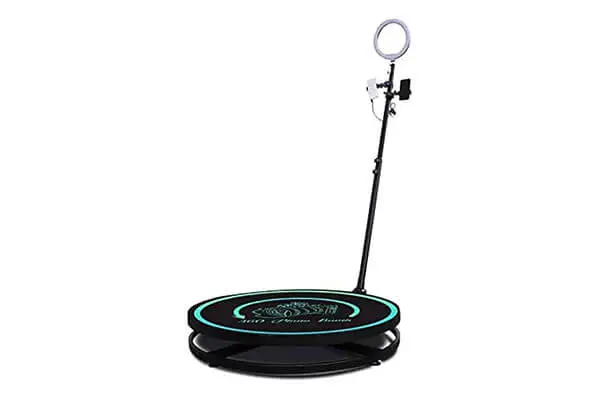
360-Degree Rotatable Photo Booth
360 Photo Booth
Starting at$999
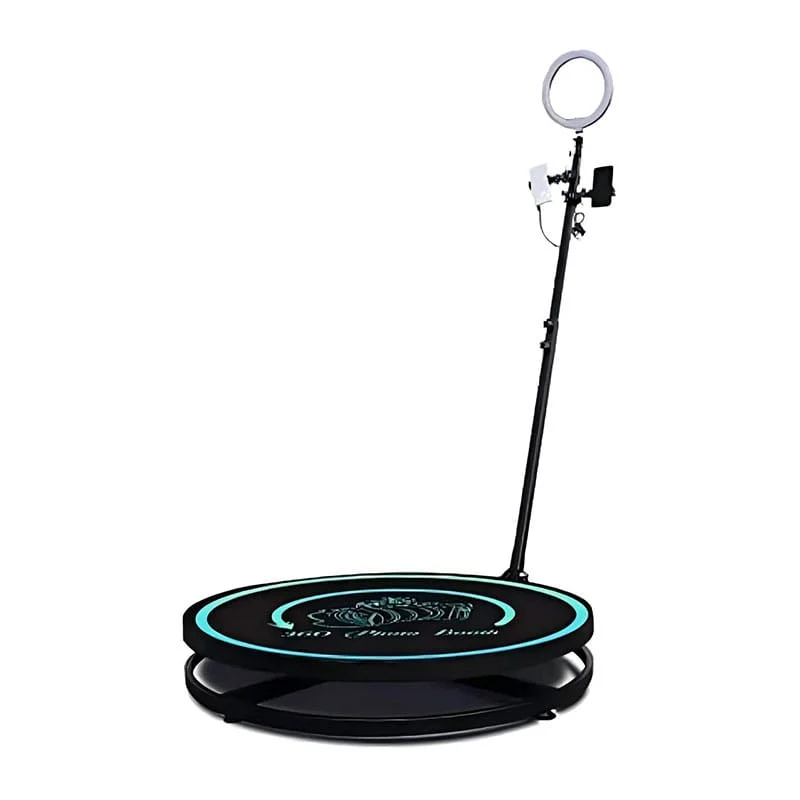
The platform normally remains stationary while a camera attached to a motorized arm rotates around the guests. This allows participants to pose or move without the floor turning beneath them. Operators should keep guests centered and make sure clothing, props, and personal belongings remain clear of the rotating arm.
Choose the platform diameter according to the number of guests you want to accommodate, the vehicle used for transportation, and the available operating area. A larger platform provides more room for group videos but increases weight, storage requirements, and safety clearance. Compare both the platform diameter and the complete rotating-arm footprint.
Use the maximum load stated in the product data sheet or equipment label. Do not estimate capacity from the platform diameter or copy a limit from another manufacturer. The operator should control the number of participants and account for their combined weight before starting each recording.
Compatibility depends on the camera holder, device dimensions, weight, operating system, and selected 360 photo booth application. Many systems use a smartphone, action camera, or compatible digital camera. Confirm that the mount can secure the device and that the rotating arm remains balanced with the complete camera and lighting configuration.
A higher frame rate records more images per second, allowing the software to create smoother slow-motion footage. The best setting depends on the camera, lighting, application, and desired playback speed. Test the complete workflow because higher frame rates may require brighter lighting, additional storage, and more processing time.
The camera records guests while traveling around the platform. Software then trims the footage and can add slow motion, speed ramps, reverse playback, music, logos, or other visual effects. Recording at a suitable frame rate gives the software more frames to work with and generally produces smoother motion during slower sections.
Position the camera so it keeps guests centered throughout the complete rotation. Check the arm height, device tilt, lens width, and distance from the platform before recording. Run a test with participants of different heights and review the entire clip for excessive floor, ceiling, empty space, or cropped faces.
The operating area must include the platform, the full path of the rotating arm, and additional separation from spectators and queues. Use barriers or stanchions to stop bystanders from entering the arm’s path. Inspect the floor, platform, fasteners, cables, emergency stop, and camera mount before allowing guests to participate.
Outdoor operation is possible only when the equipment is approved for the conditions and protected from rain, wind, direct sun, and uneven ground. Use a stable, level surface and provide suitable overhead protection. Stop operating if weather or floor conditions could affect the platform, electrical equipment, camera, or rotating arm.
Prepare the next group while the current video is being processed. Explain the pose before guests step onto the platform, keep props organized, and use a consistent recording sequence. A separate viewing or delivery station can prevent finished groups from remaining beside the platform while the next session begins.